Developer documentation · DVP 4.3
Build on the verification registry.
Register the source, bind the completed PDF to its record and give recipients a way to verify the file in their hands. This public guide covers three API operations for evaluating that workflow.
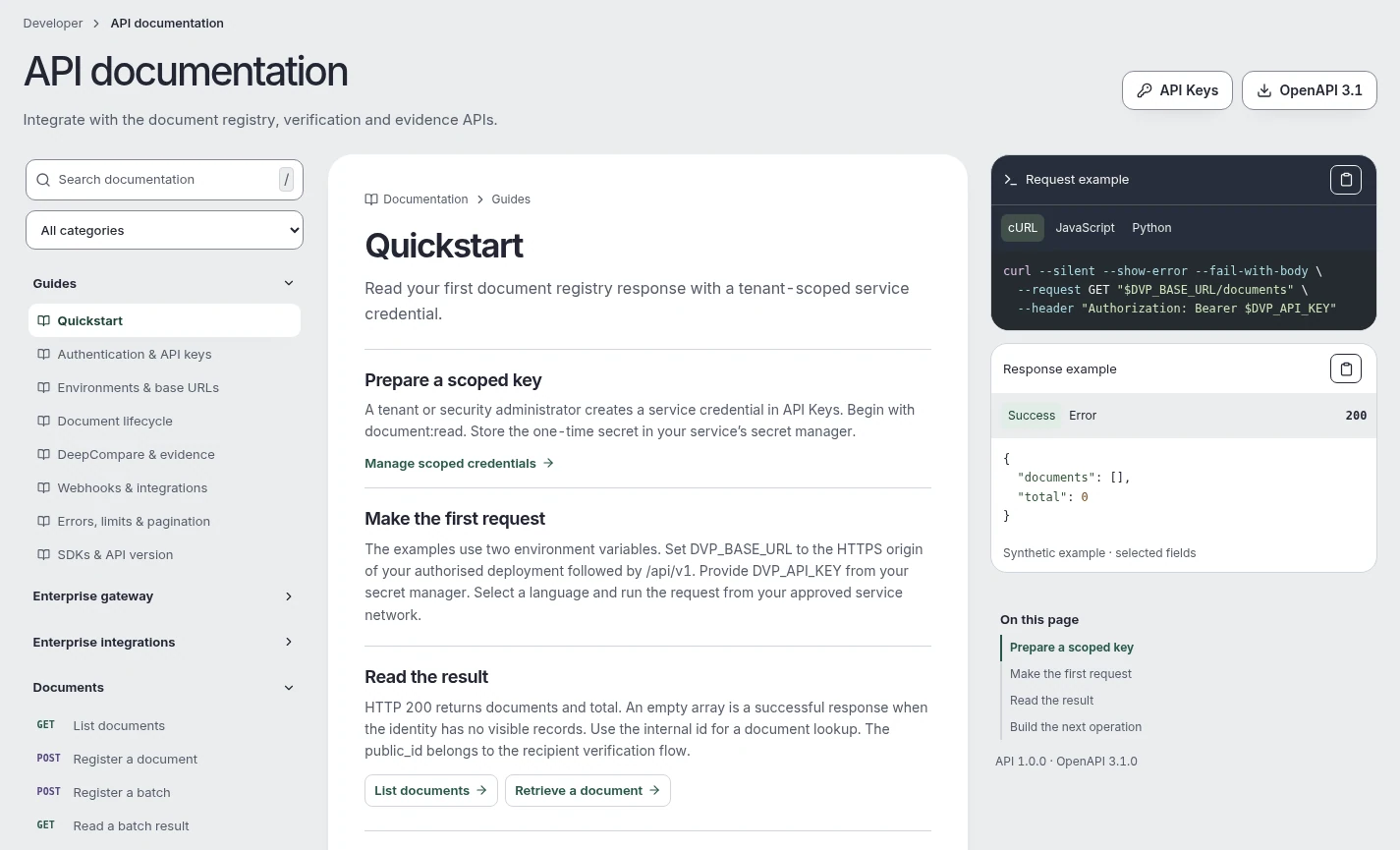
Overview and authentication
Use an approved HTTPS deployment origin and the versioned /api/v1 path. A tenant administrator provisions a scoped service credential. Store it in a server-side secret store. A registration requires document:write and the permitted registration role. Use a separately approved evaluation tenant for development.
Keep the file, source version and external reference together through preparation, signing and final registration. The repository or signing transaction alone cannot publish a document.
Register a document
POST /api/v1/documents accepts a JSON body. Provide a title of 3 to 180 characters, a document type and reference of 2 to 100 characters each, and the base64 encoding of an approved PDF. The service validates the decoded file. Replace the bracketed input below with the real encoding before sending.
{
  "title": "Equipment inspection record",
  "document_type": "Inspection report",
  "reference": "EXAMPLE-INSPECTION-01",
  "pdf_base64": "<base64 of the approved source PDF>"
}
curl --fail-with-body --request POST "$DVP_ORIGIN/api/v1/documents" \
--header "Authorization: Bearer $DVP_TOKEN" \
--header "Content-Type: application/json" \
--data-binary @registration.jsonA successful response is HTTP 201 with a document object. Keep its id and version for the permitted subsequent transitions. Registration precedes independent review, preparation and issuance.
Look up and compare
GET /api/v1/verify/{publicId} reads a published record using the issuer-provided reference. HTTP 200 returns the current document status, permitted public fields and a short-lived comparison challenge. Public record lookup requires no tenant credential.
curl --fail-with-body "$DVP_ORIGIN/api/v1/verify/$PUBLIC_ID"POST /api/v1/verify/{publicId}/compare accepts pdf_base64, challenge_token from challenge.token and session_id from challenge.sessionId. Read both fingerprint_result and status in the response. An unchanged file can still be revoked, expired or superseded.
Webhooks and lifecycle events
Use an approved HTTPS receiver for signed notifications. Verify the X-DVP-Timestamp and X-DVP-Signature headers with the subscription’s signing secret and the original request body. The signature uses HMAC-SHA256 over the timestamp, a literal period and the unchanged body, with a sha256= hexadecimal signature.
Enforce timestamp freshness and deduplicate delivery using the event identity. Persist a verified event before acknowledging it. Reconcile against the authoritative document state after an outage. A webhook alone cannot approve issuance.
Idempotency and errors
Track registration by a stable source reference and version. After an uncertain registration response, reconcile the record before resubmitting. For supported issuance retries, reuse the original Idempotency-Key and document version. A consumed comparison challenge requires a fresh record lookup.
- 400 · Invalid input
- Check the required fields, PDF and encoding.
- 401 / 403 · Authentication or scope
- Check credential validity and tenant permission before retrying.
- 404 · Record unavailable
- Check the issuer-supplied reference and publication state.
- 409 · Conflict
- Reconcile the current state or request a fresh verification challenge.
- 429 · Rate limited
- Back off and respect the deployment’s retry guidance.
TypeScript and Python SDKs
Both customer SDKs support registration, public record lookup and file comparison. Use the SDK supplied with your approved release. The following server-side examples read an issuer-supplied public reference using the client configured for that deployment.
TypeScript
const client = new DvpClient(deploymentOrigin);
const record = await client.verify(publicId);
console.log(record.document.status);
Python
client = DvpClient(deployment_origin)
record = client.verify(public_id)
print(record["document"]["status"])
Evaluate an integration
Choose an approved repository and signing workflow, select managed, hybrid or private deployment, then agree on the identity, test files and public metadata for the evaluation. The authenticated Developer Portal contains the tenant API explorer, API key management, entitled operations and configuration details.
Request a technical evaluation